On-demand content is a crucial aspect of virtual events, allowing attendees to access sessions at their convenience. Enabling on-demand agendas can significantly enhance the event experience.
Follow these steps to enable and create on-demand sessions for your event:
Enabling On-Demand Agenda
Navigate to Manage
From your event dashboard, go to Manage and select Agenda Builder.
Activate On-Demand Agenda
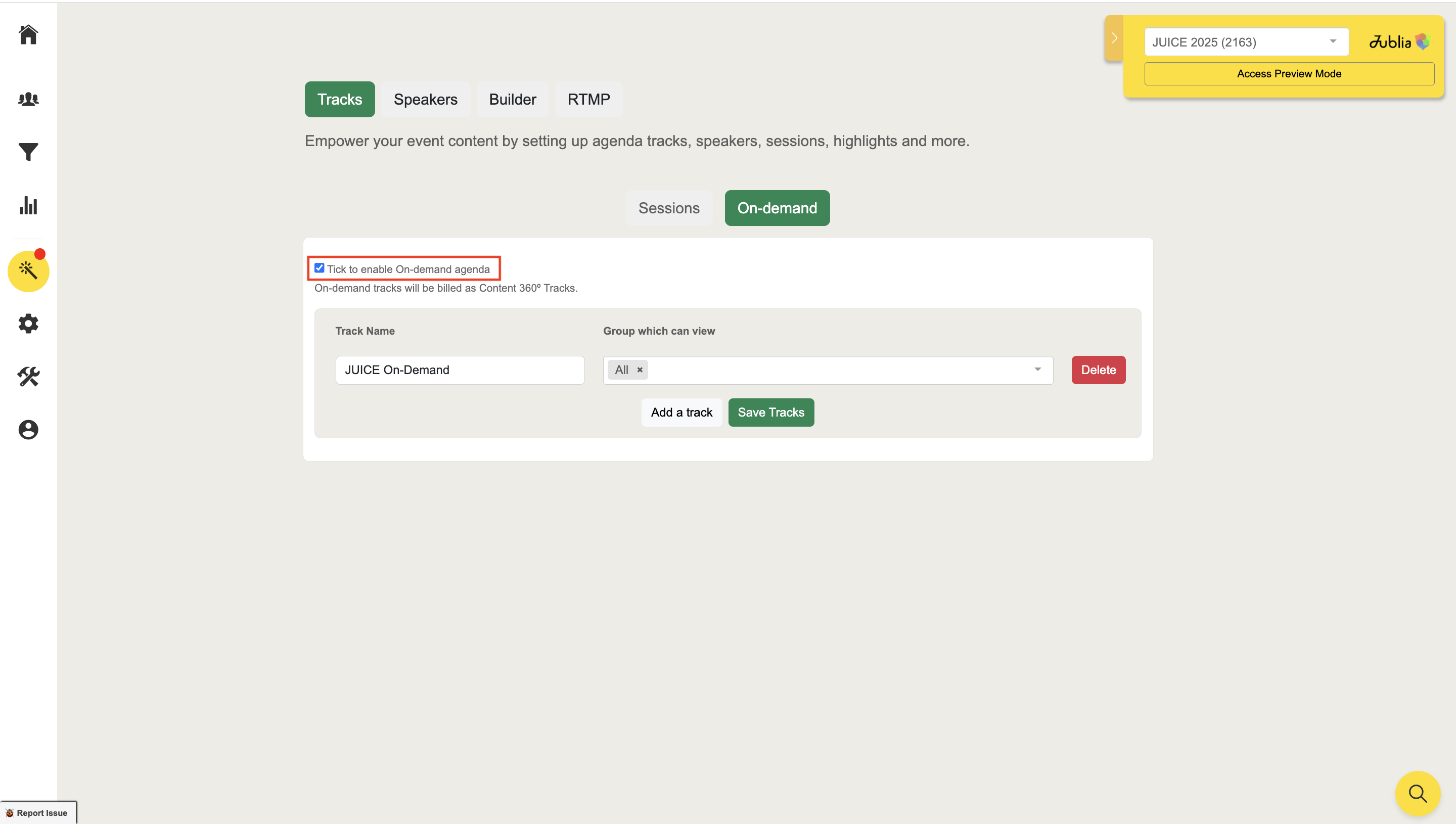
Under Tracks, locate the On Demand section.
Tick the box labeled "Tick to enable on-demand agenda".
Click Save Details to enable this feature.
Adding Tracks and Sessions
Add a Track
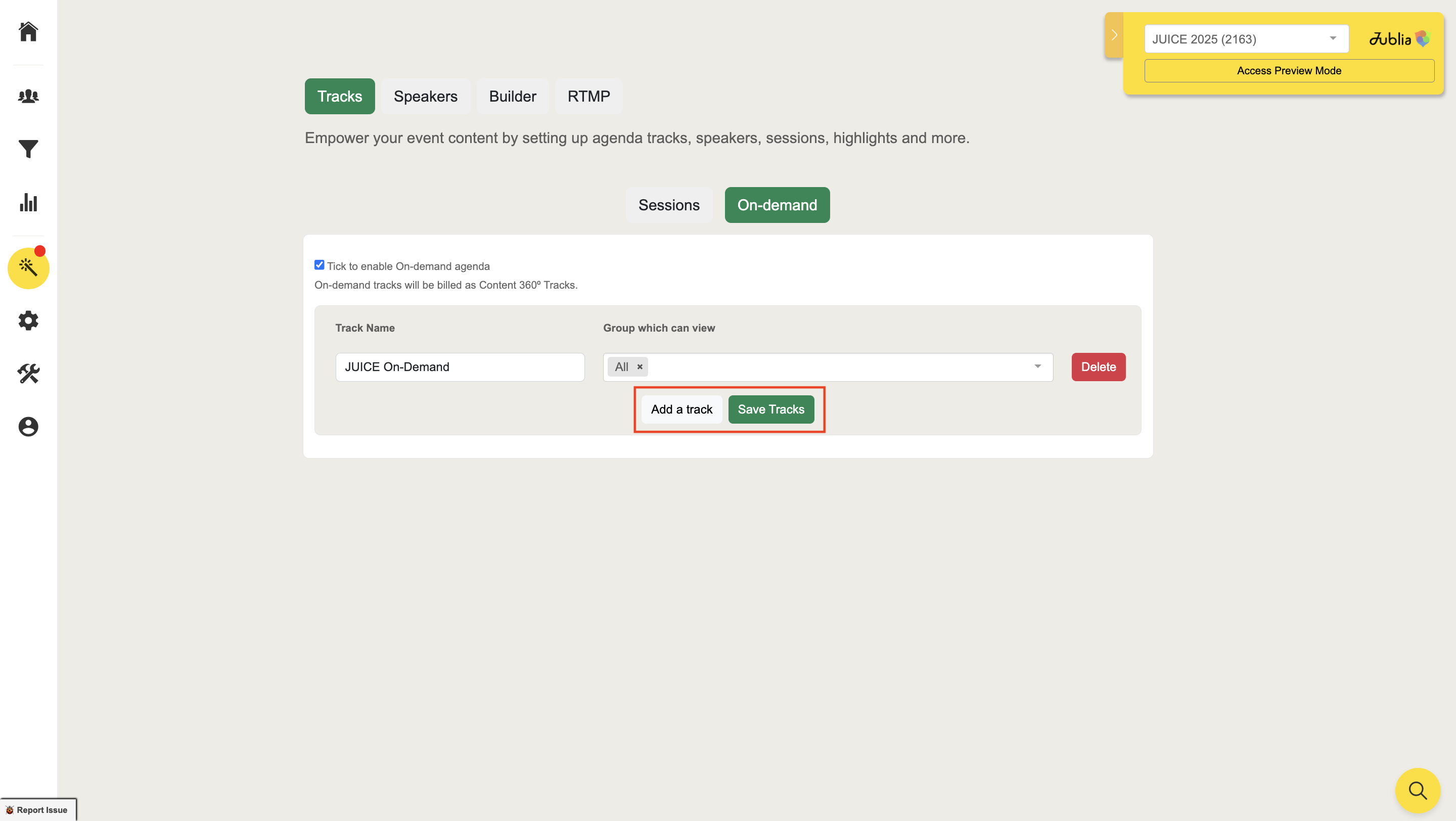
After enabling on-demand, click Add Track to create a new track.
Fill in the track details and click Save Tracks to save your changes.
Add On-Demand Sessions
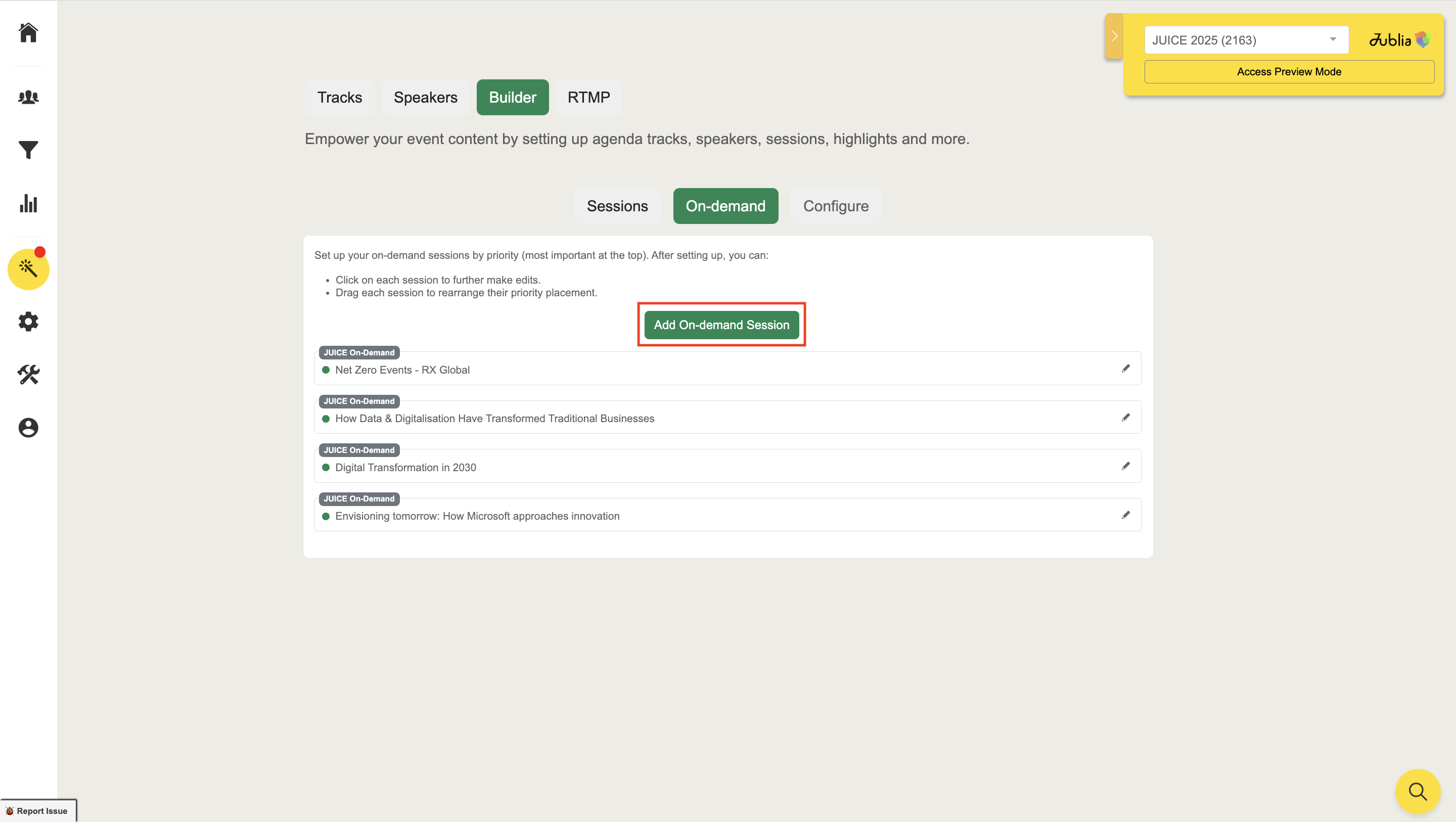
Navigate to the Builder section and click Add On Demand Session.
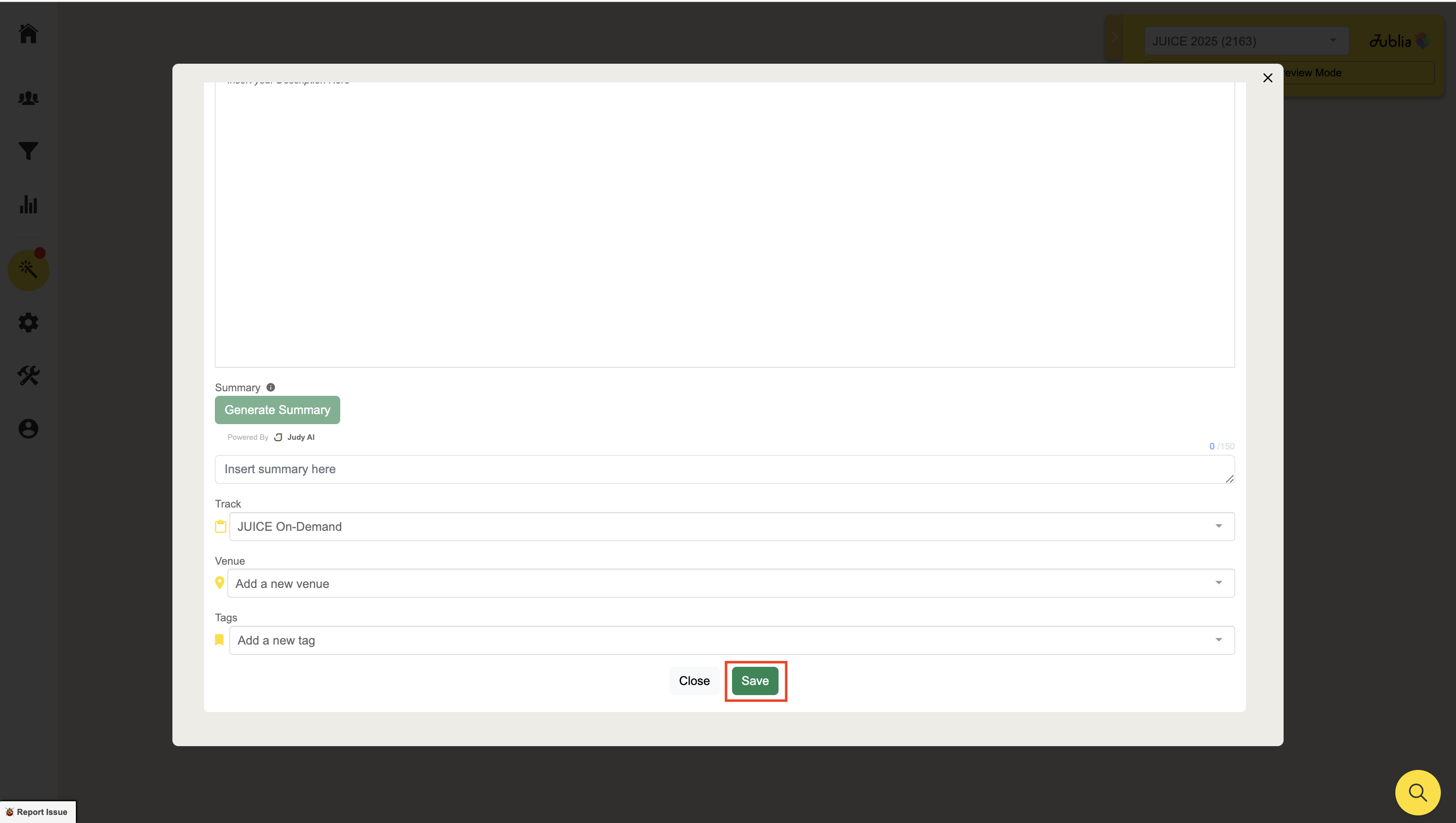
Enter the session details, such as title, description, and timing, then click Save.
Customizing On-Demand Sessions
Add Additional Information
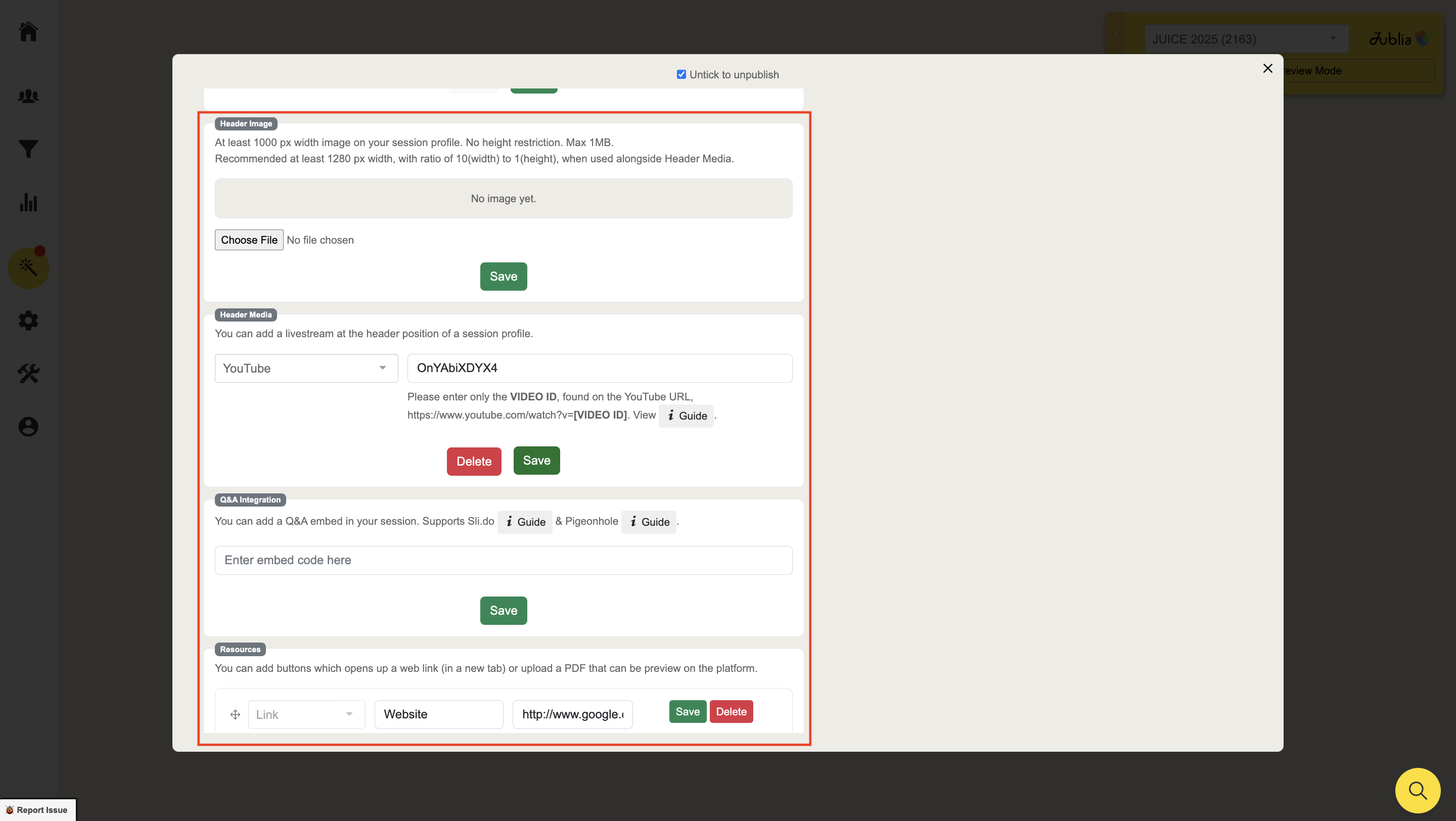
You can enrich your on-demand session by adding speaker details, banners, media, and more.
Don’t forget to tick the box to publish the session once it’s ready.
You can also drag and reorder the sessions to prioritize their appearance in the agenda.