Native App Hub: Event Details
In this section, you can customize various aspects of your app to provide the best experience for your attendees. This includes the app's appearance, menus, and important information.
Note: Changes made on this page will be updated on the app in real-time. You may need to refresh or re-open your app to view the changes.
General
Event Information
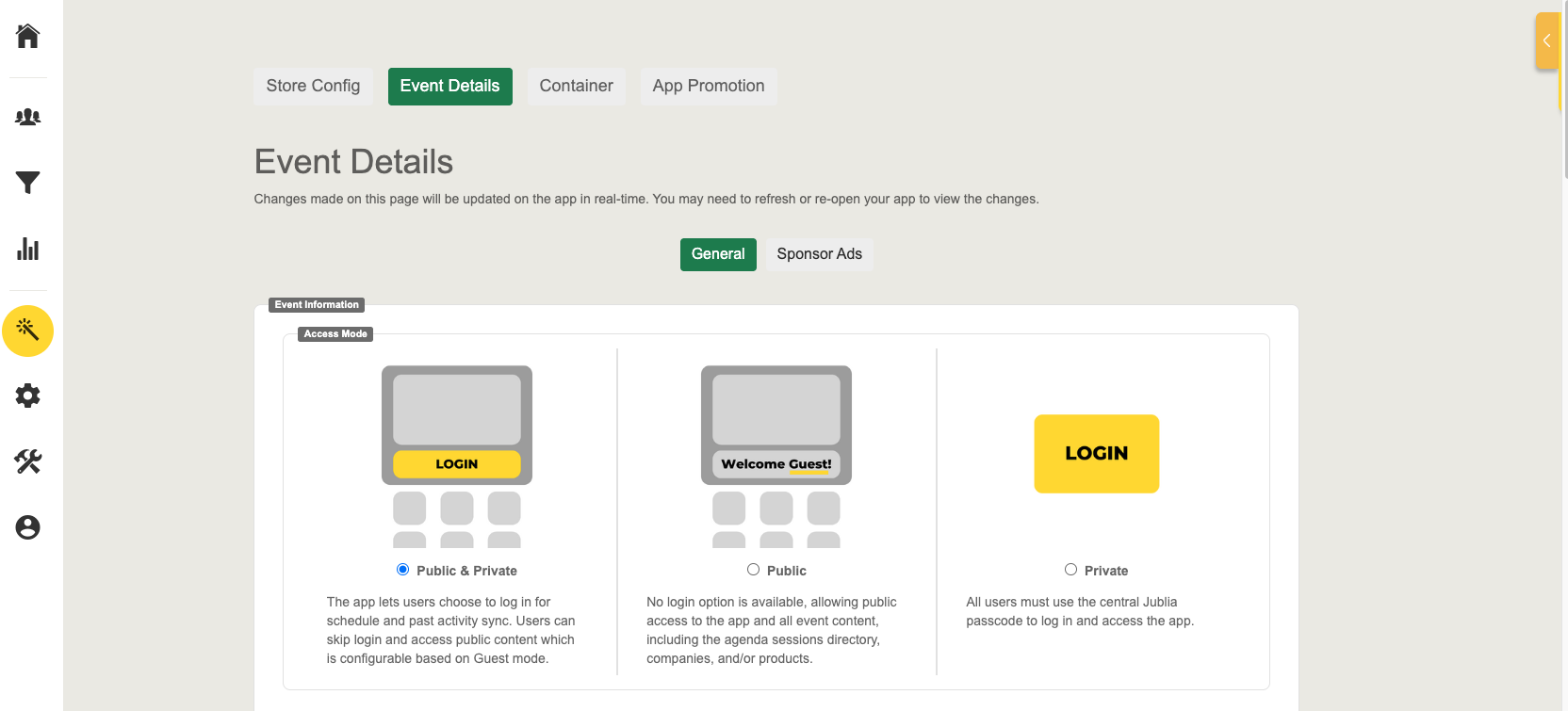
Access Mode
Define your event accessibility to suit your audience:
Public & Private: The app lets users choose to log in or access public content which is configurable based on Guest mode.
Public: No login option is available, allowing public access to the app and all event content, including the agenda sessions directory, companies, and/or products.
Private: All users must use the central Jublia passcode to log in and access the app.
Color Theme
Select a primary color to establish your app’s visual identity.

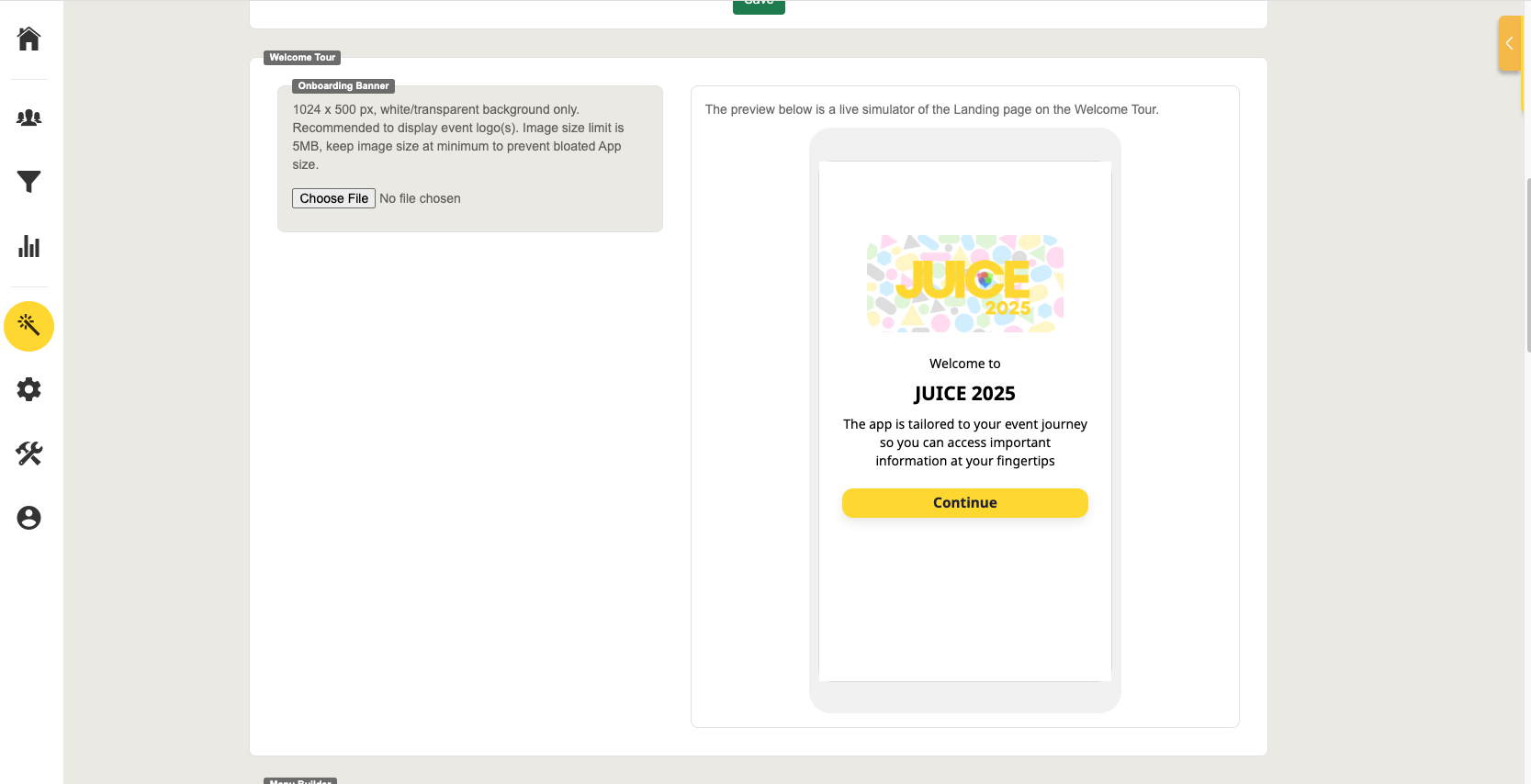
Welcome Tour
Onboarding Banner
The Onboarding Banner is prominently displayed on the Welcome Tour’s landing page. Upload an image that meets size and format specifications for the best presentation.
Menu Builder
Layout
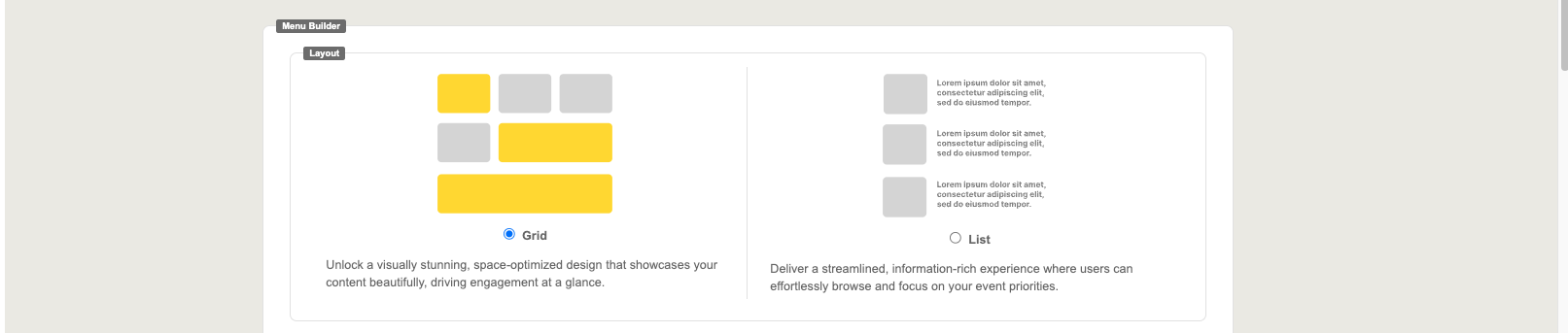
Utilize the layout options for your native app menu format:
Grid / List
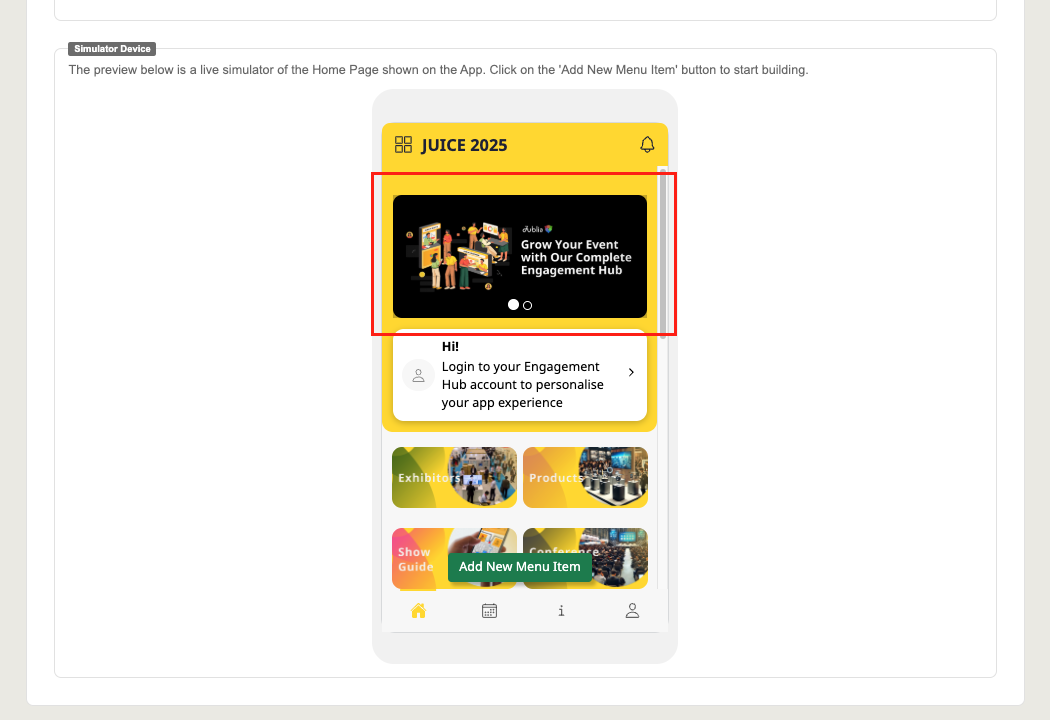
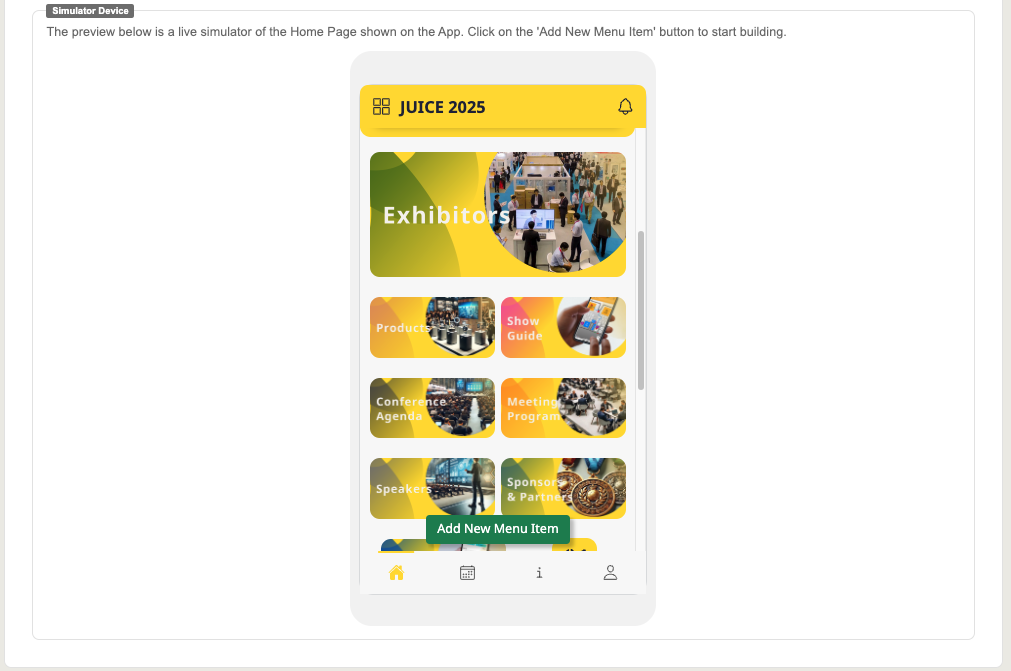
Simulator Device
Menu Asset
Image: Allows you to customize the menu of the native app using Image format.
Icon: Allows you to customize the menu of the native app using the Icon format.
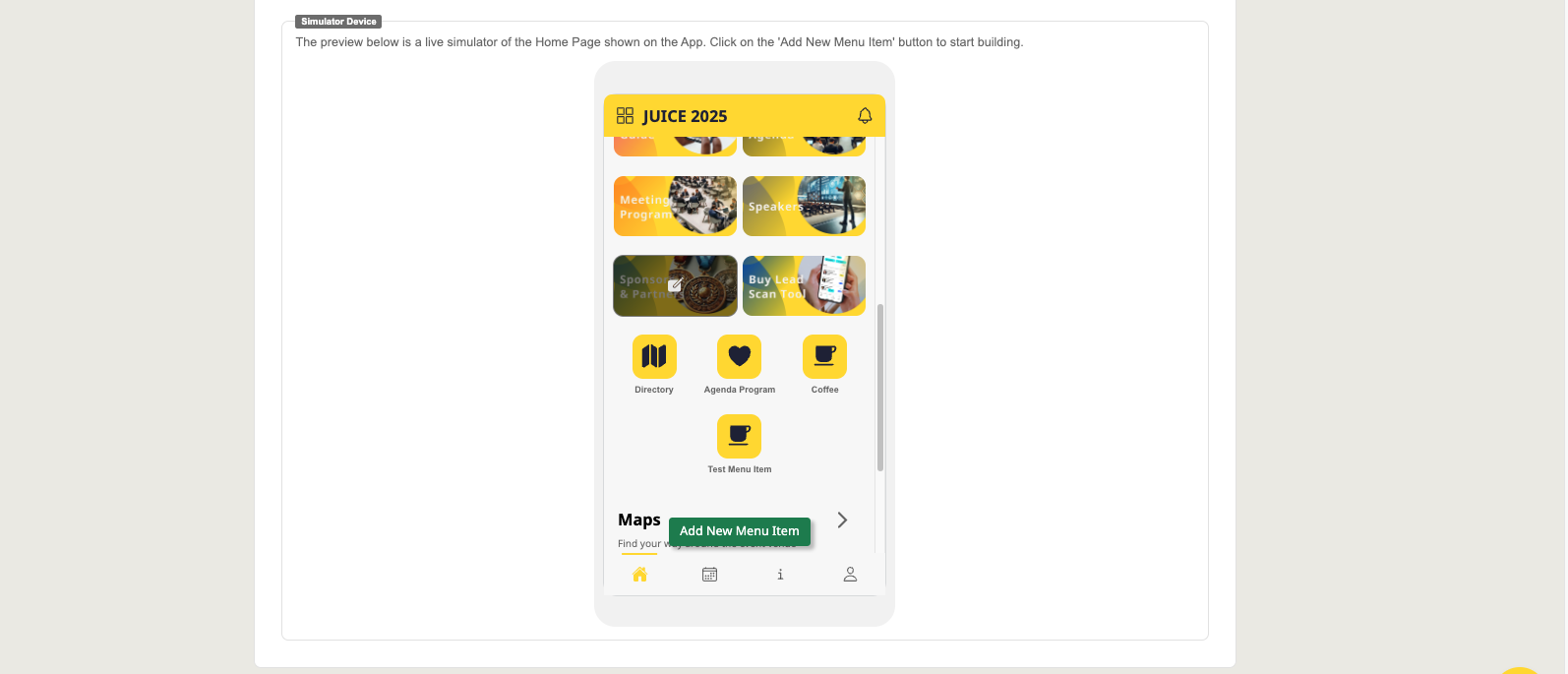
Menu Column
1/3: Displays 3 menu items in a single column.
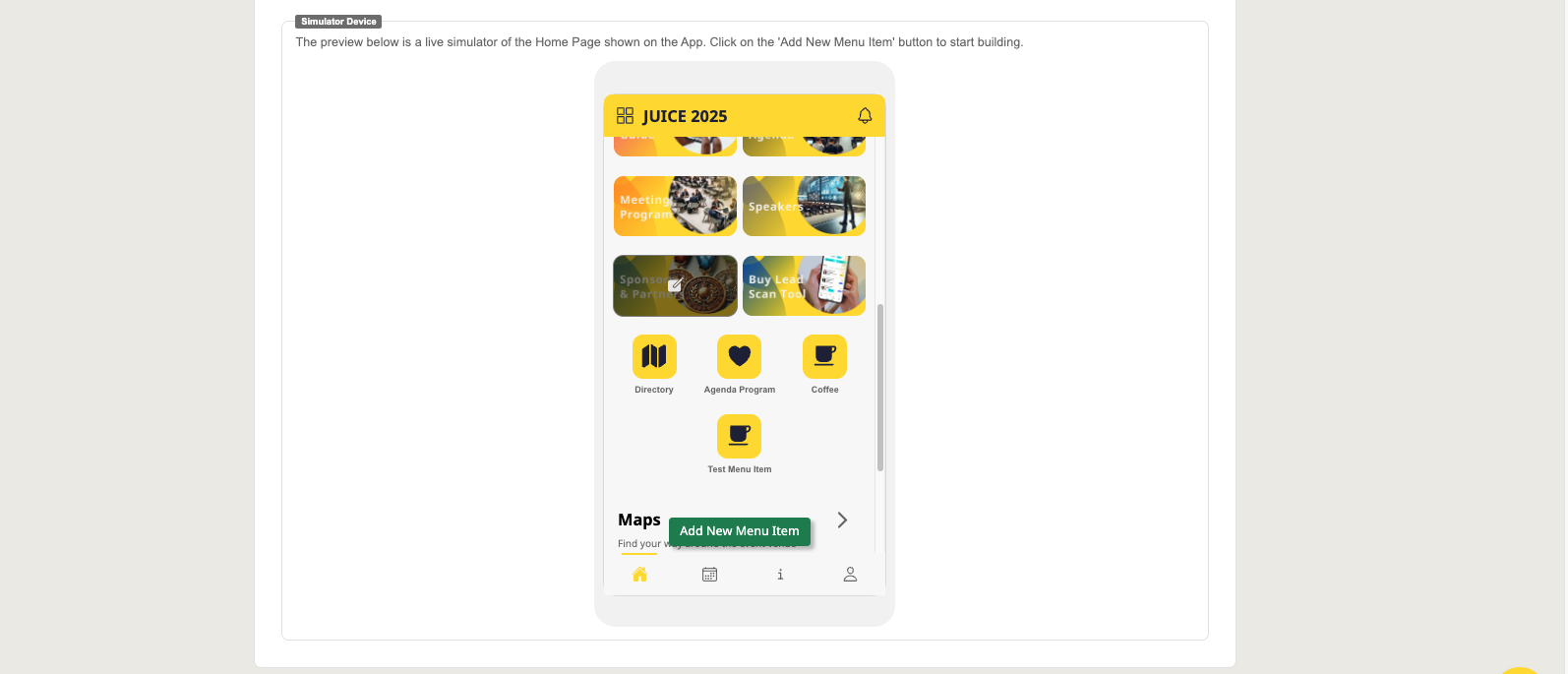
Half: Displays 2 menu items in a single column.
Note: Can only be selected if the menu asset type is set to Image.
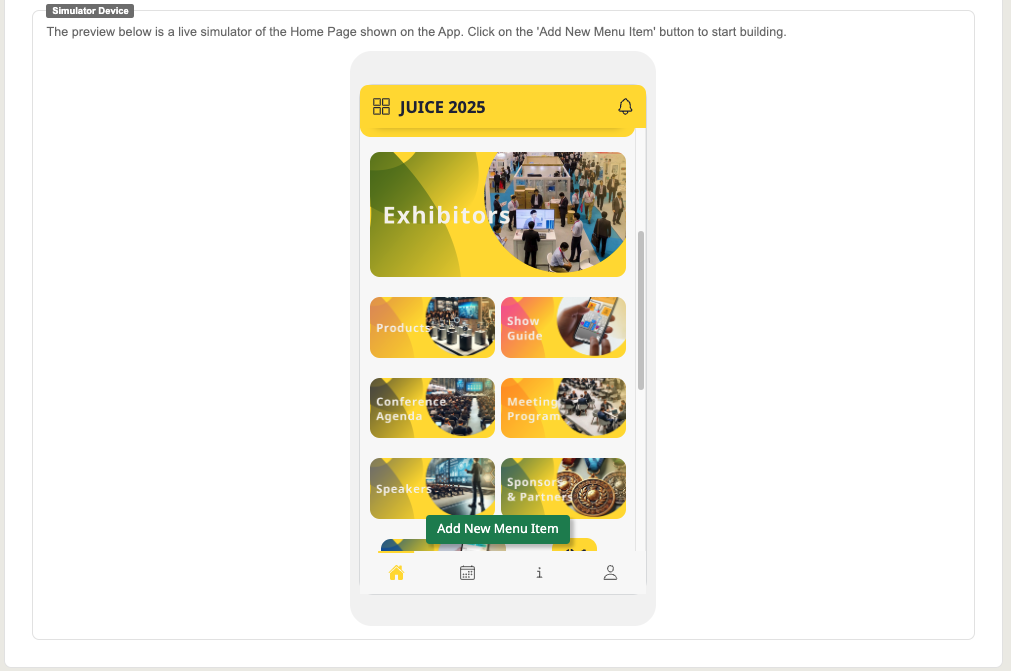
Full: Displays 1 menu items in single column.
Note: Can only be selected if the menu asset type is set to Image.
Menu Name
This is the name of your menu item. The value is optional so users can focus on the image which can be handy if your image already has text.
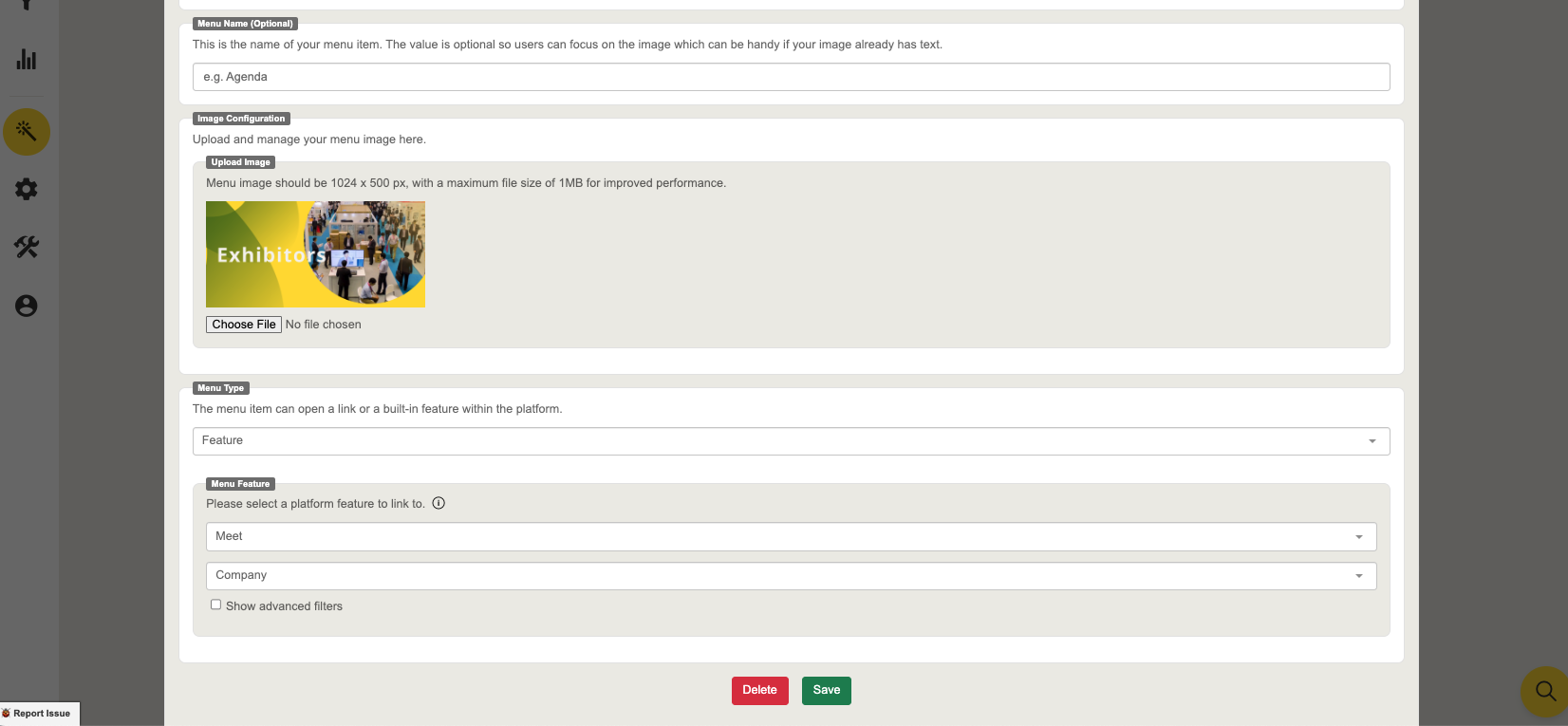
Image / Icon Configuration
Image
Enables you to upload and customize images for your menu.
Image Requirements: 500 x 500 px for 1/3 image option and 1024 x 500 px for Half and Full Image options, with a maximum file size of 1 MB.

Icon
Allows you to customize your menu icons by choosing from the provided options or uploading your own.
Icon Requirements: 500 x 500 px with a maximum file size of 1MB.
Menu Type
Select 2 types of Menus that can be applied,
Link: Directing the menu with the external URLs.
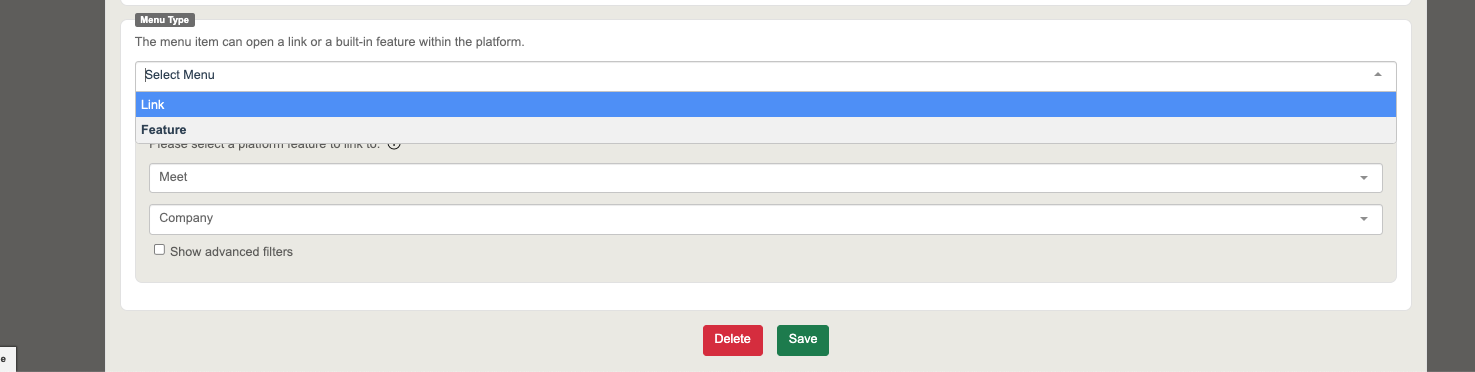
Note: Ensure the menu links function correctly by using `https://`
Feature
Floorplan: Show the maps uploaded via AI Maps Cartography
About: Share key event information.
Meet
Company: Access company/exhibitor directories with advanced search features.
Product: Display product catalogs uploaded by the exhibitors.
Business Matching: Facilitate attendee networking and meeting scheduling.
Agenda
Session: Explore the event schedule with filtering options.
On-Demand: Explore the On-Demand session within the app.
Speaker: List all of the speakers.
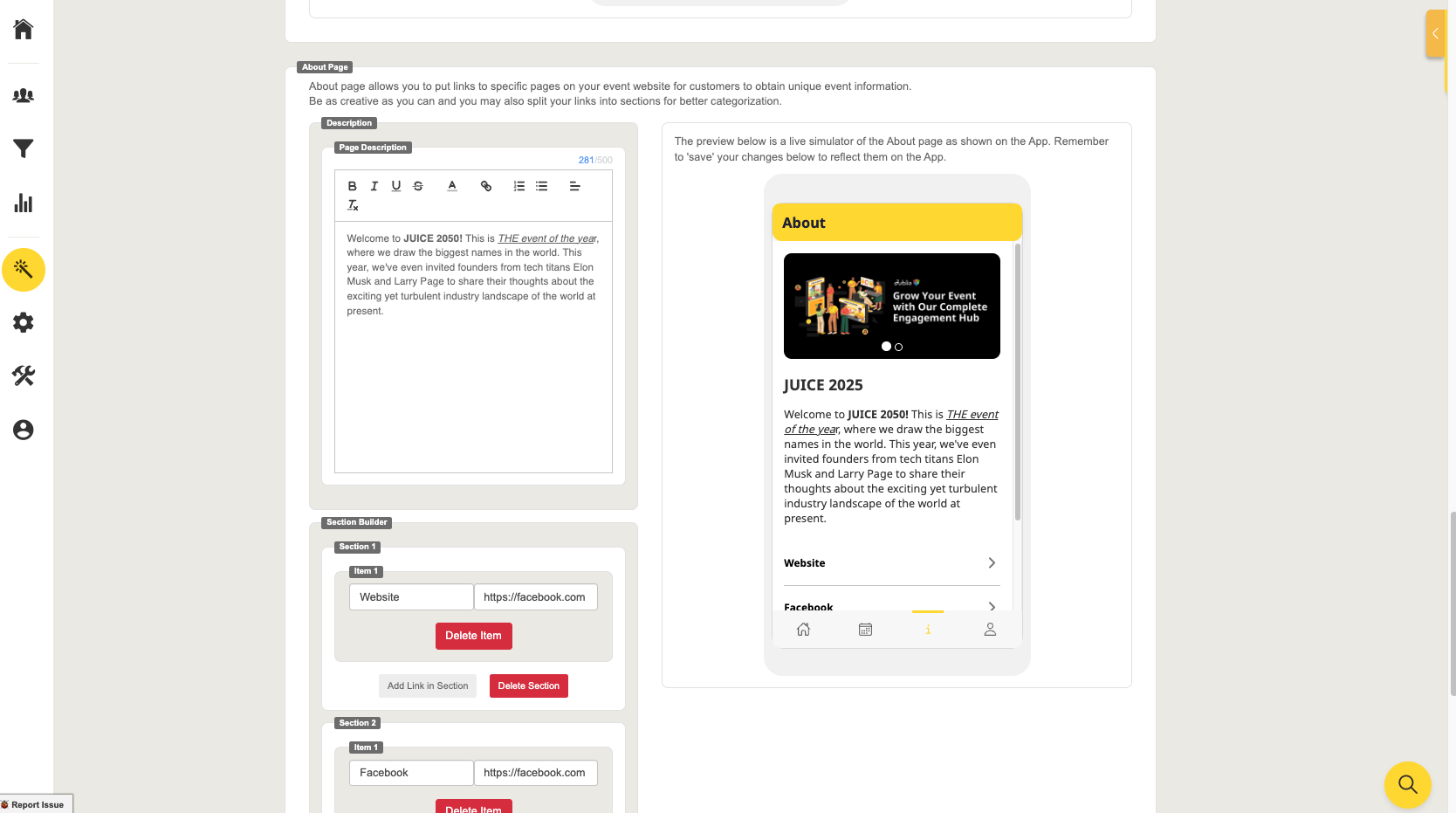
About Page
Description
Provide a concise event overview or page purpose.
Section Builder
Add links to key event pages for quick access.
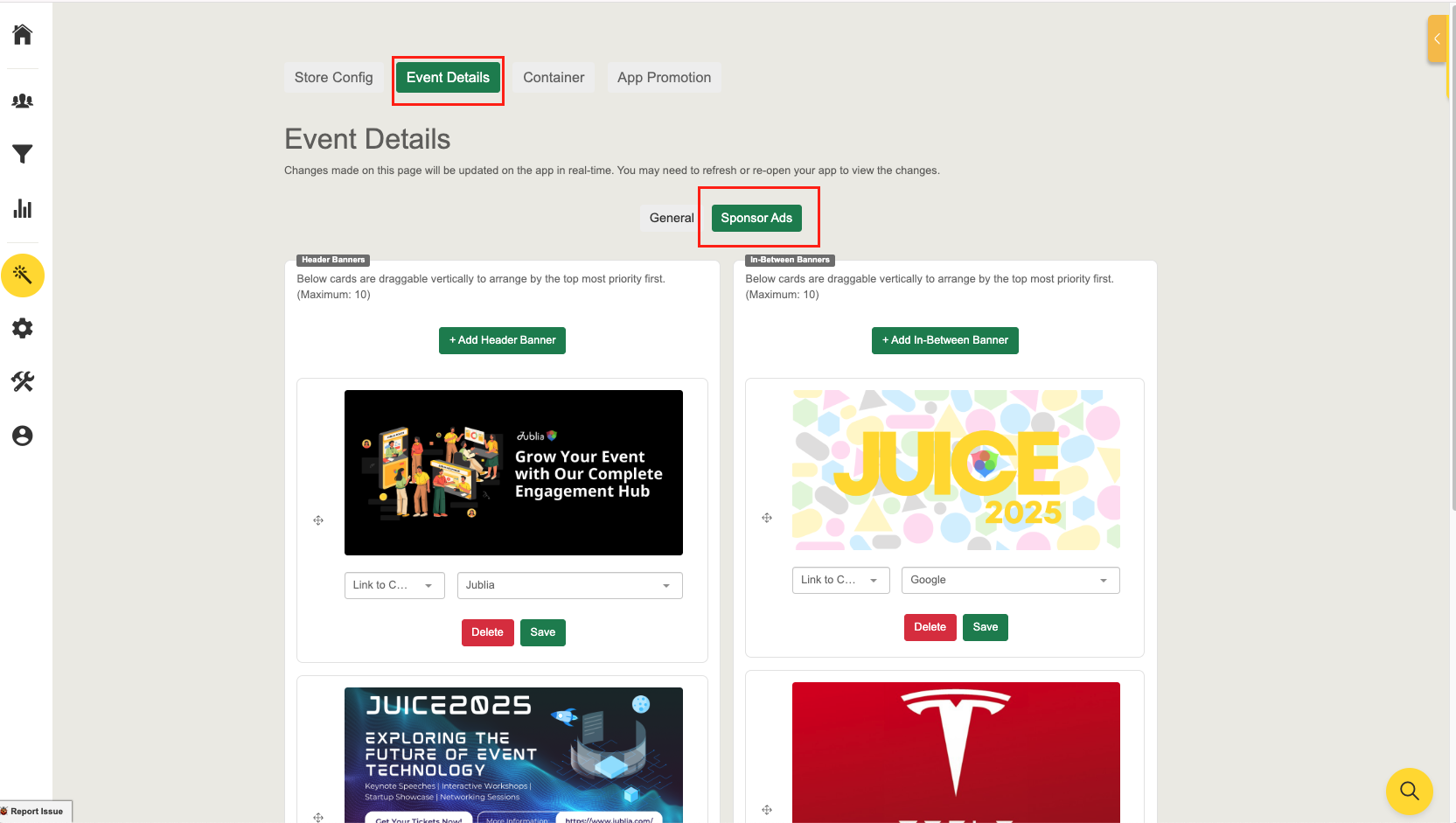
Sponsor Ads
Header Banners
Header banners are highly visible ad spots at the top of the app, perfect for sponsors to showcase their brand or promotions without disrupting the user experience. Upload to a maximum of 10 Header banners.
Image Requirement: 1024 px x 500px, with a size limit of 1 MB.
In-Between Banners
In-between banners are placed within app content (Agenda, Company, Product Menu) offering sponsors a natural and engaging way to showcase their brand or promotions while maintaining user flow.
Image Requirement: 1024 px x 500px, with a size limit of 1 MB.