Push API on SENSE
In this guide, we'll walk you through the process of navigating the Push API menu on SENSE, an essential feature for efficient data management. Before we delve into this, it's important to understand the three distinct database population methods in Jublia: Manual, Pull API, and Push API.
Step 1: Accessing the Datasync Section:
Navigate to Tools > Datasync
Click on the Push API tab
Step 2: Exploring the Push API Tab
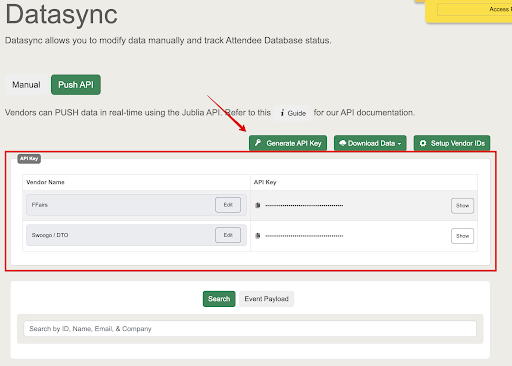
Within the PUSH API tab, you will encounter various functionalities to initiate your Push API data management. First, check the guide that we have provided on the page as a reference. Alternatively, you can directly generate an API Key for specific vendors within the platform.
Key Features:
Download API Data button: This option allows you to effortlessly download API data, streamlining the retrieval process.
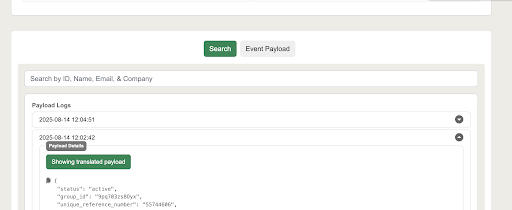
Search Functionality: Beneath the API Key section, utilize the Search function to narrow down specific data for monitoring or verification purposes. Simply click "Search" and manually input the text in the search bar.
Payload Button: Located on the side, the Payload button grants access to view the payload of the database, providing transparency and insights into the data structure.