Preview Mode
Preview Mode offers an easy way to explore and test event configurations from various group perspectives of your event, allowing you to fine-tune your web app and native app settings.
Key Features of Preview Mode
Real-Time Configuration: Adjust and test Engagement Hub settings instantly.
Perspective-Based Testing: Access event configurations specific to different groups.
Analytics Exclusion: Actions in Preview Mode are excluded from analytics, ensuring accurate data analysis.
Restricted Access: Preview accounts are isolated from standard user accounts, providing a controlled test environment.
How to Access Preview Mode
Step 1: Log In
Log in to your Sense account.
Step 2: Navigate to Preview Mode
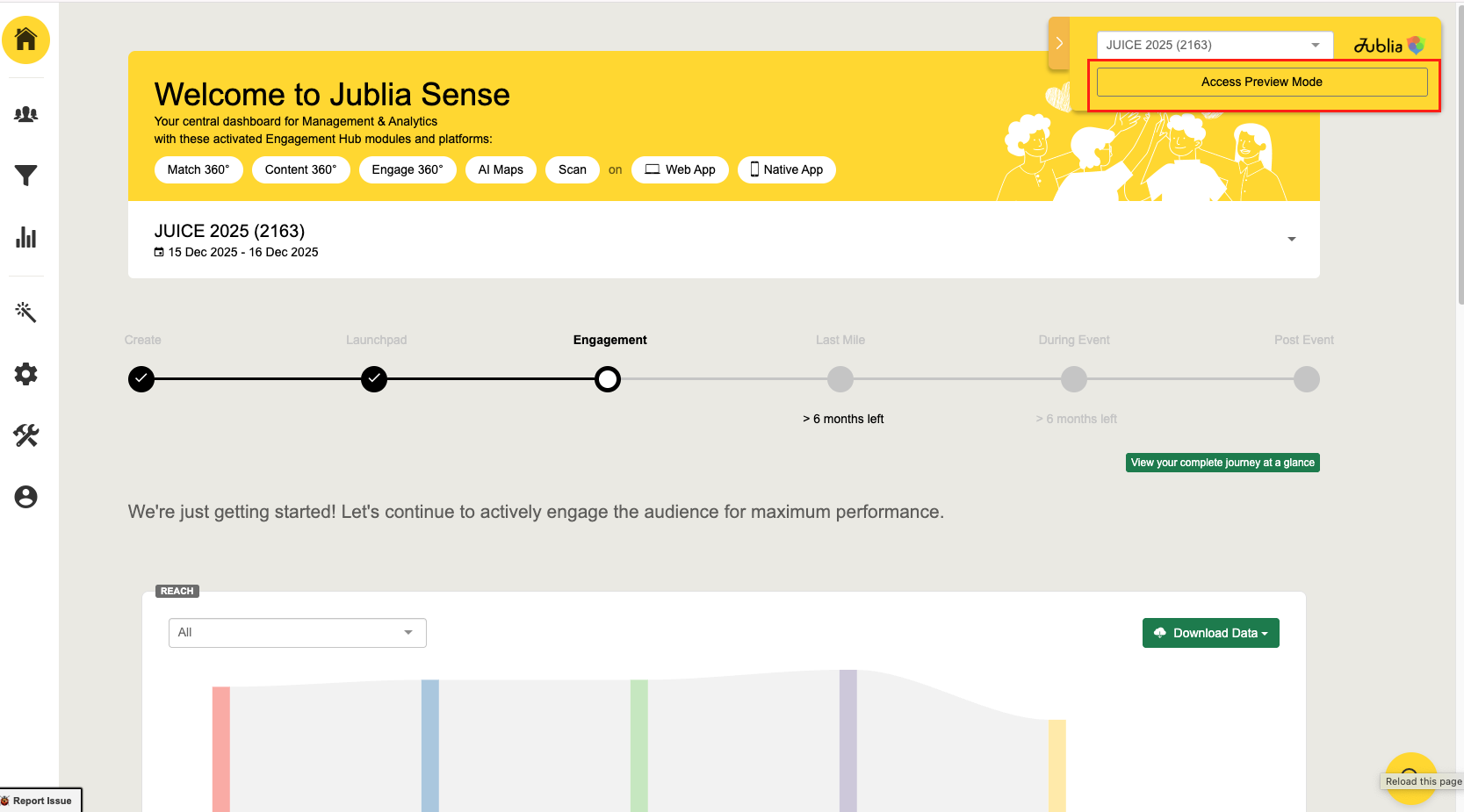
Click on "Access Preview Mode".
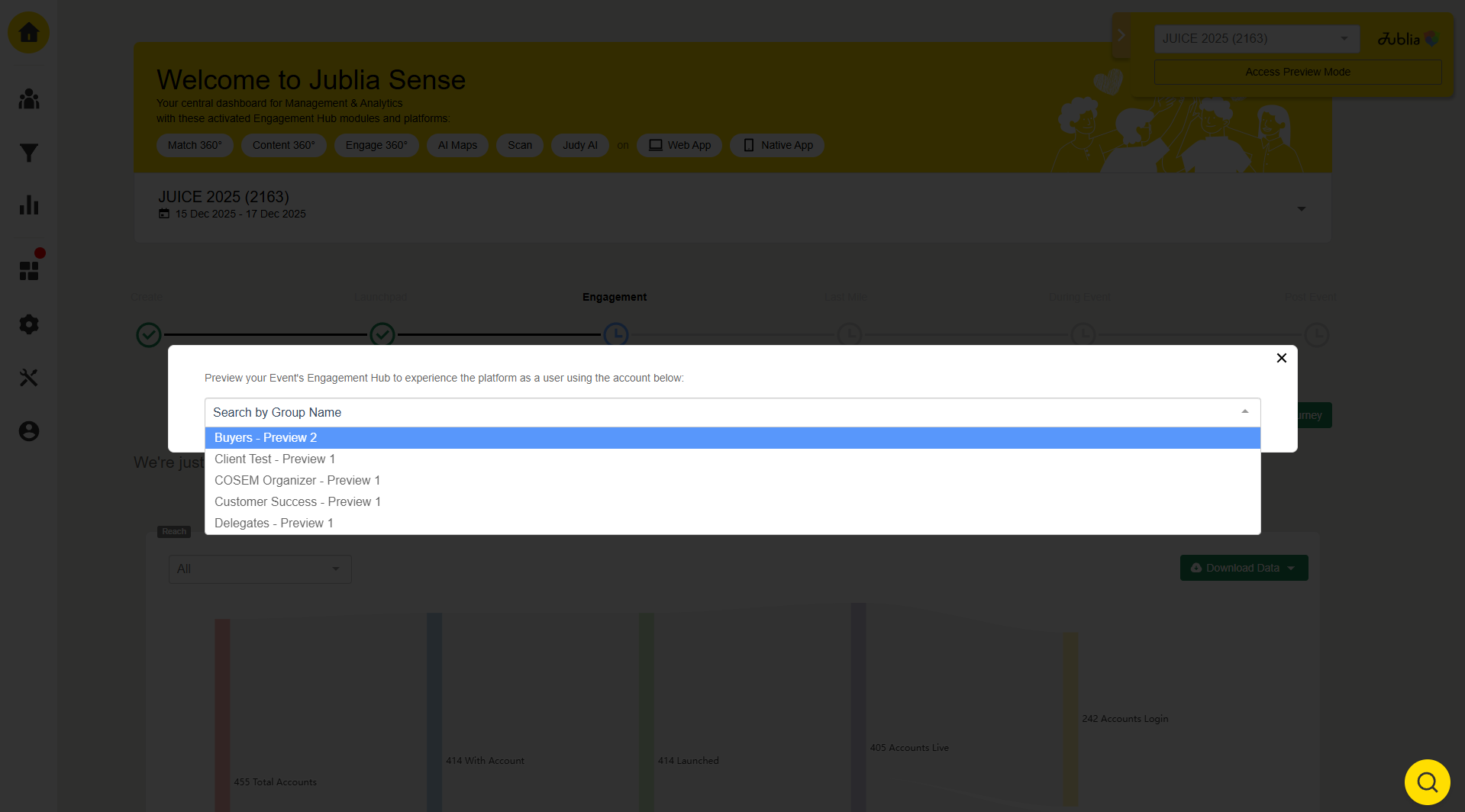
Step 3: Select a Group
Choose the group whose event configuration you wish to preview. This provides access to group-specific functionalities and setups.
Platform-Specific Access
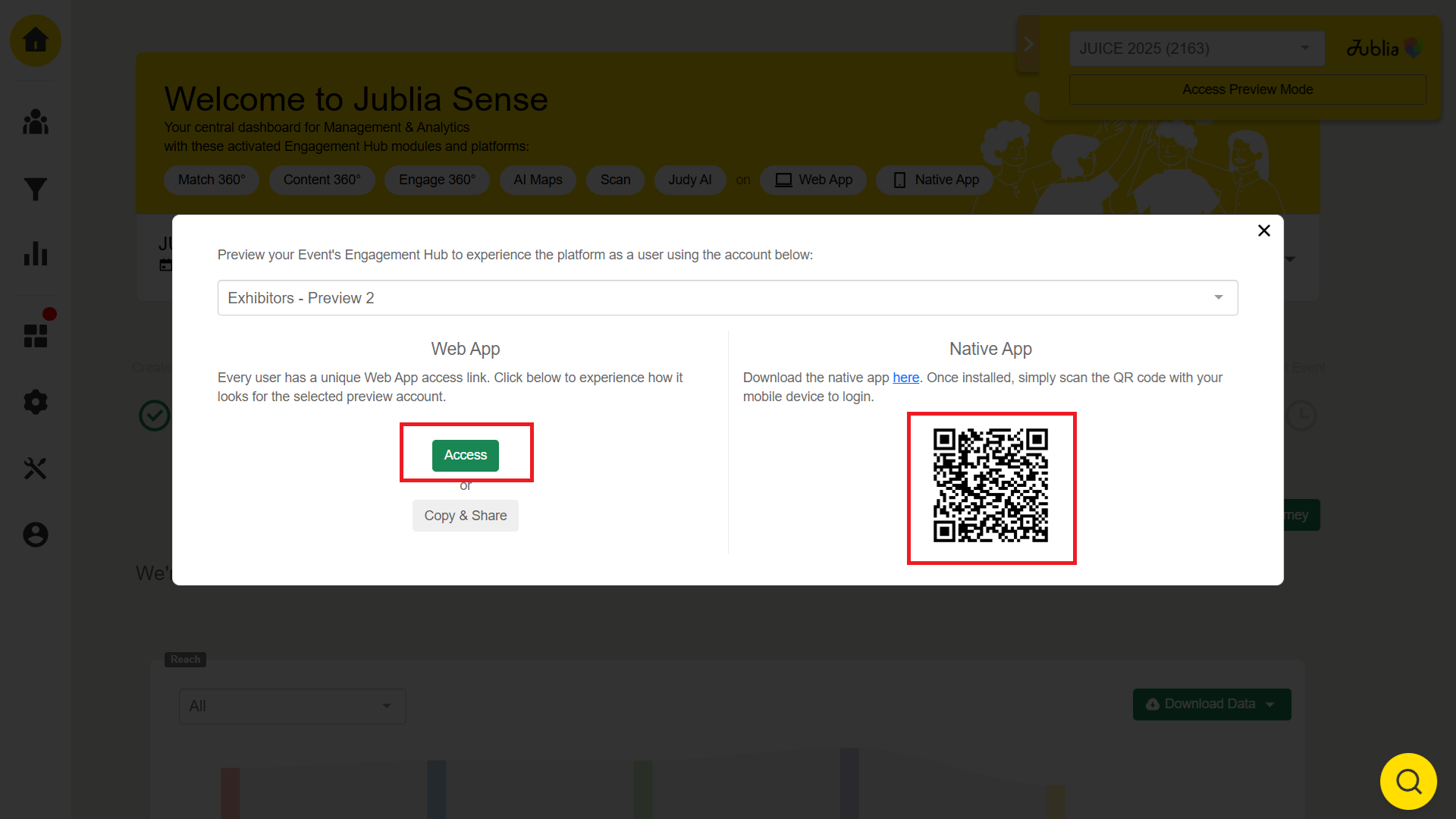
1. Web App Access
Click "Access" to be redirected to the web platform.
Explore event configurations in a simulated environment.
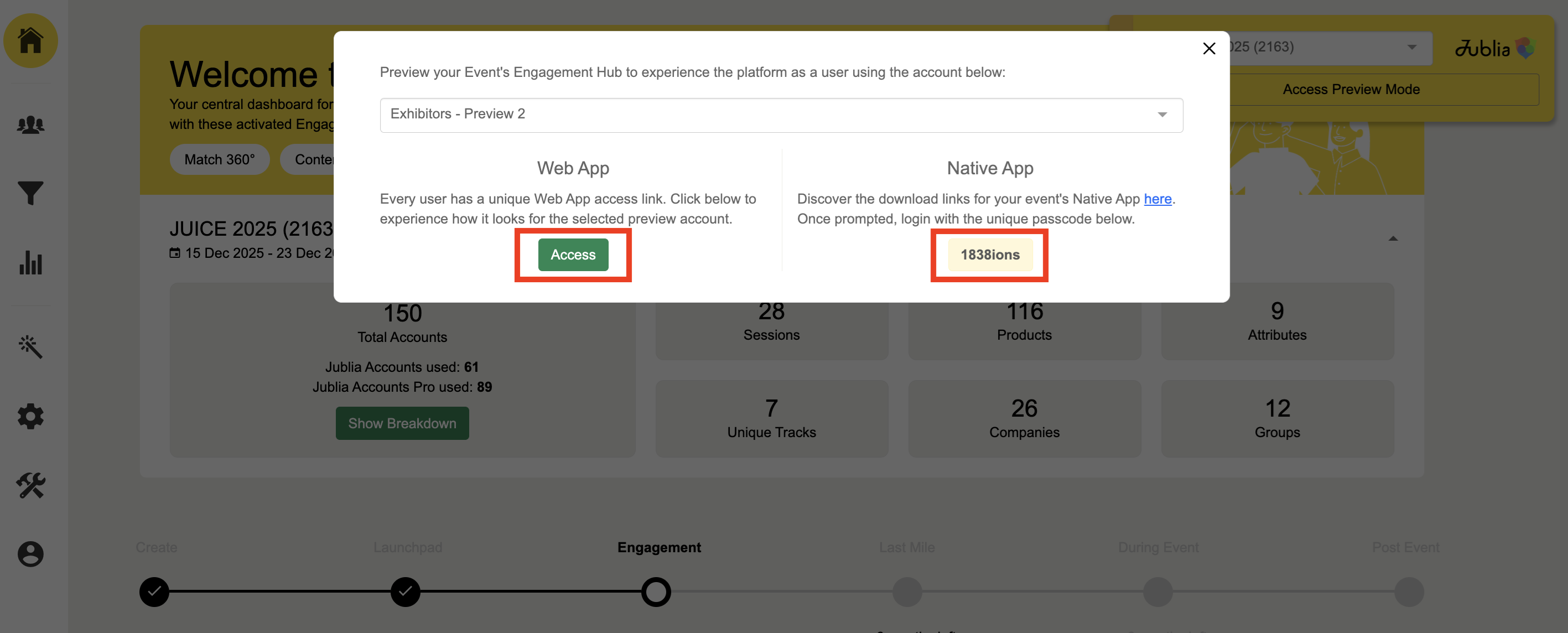
2. Native App Access
Scan the QR code from your camera phone
For Chinese Event
Open the native app on your mobile device.
Enter the passcode.
Platform Access
When previewing groups tagged as Jublia Account Pro, you gain access to additional features:
Company and Product Displays: View detailed presentations for companies and products.
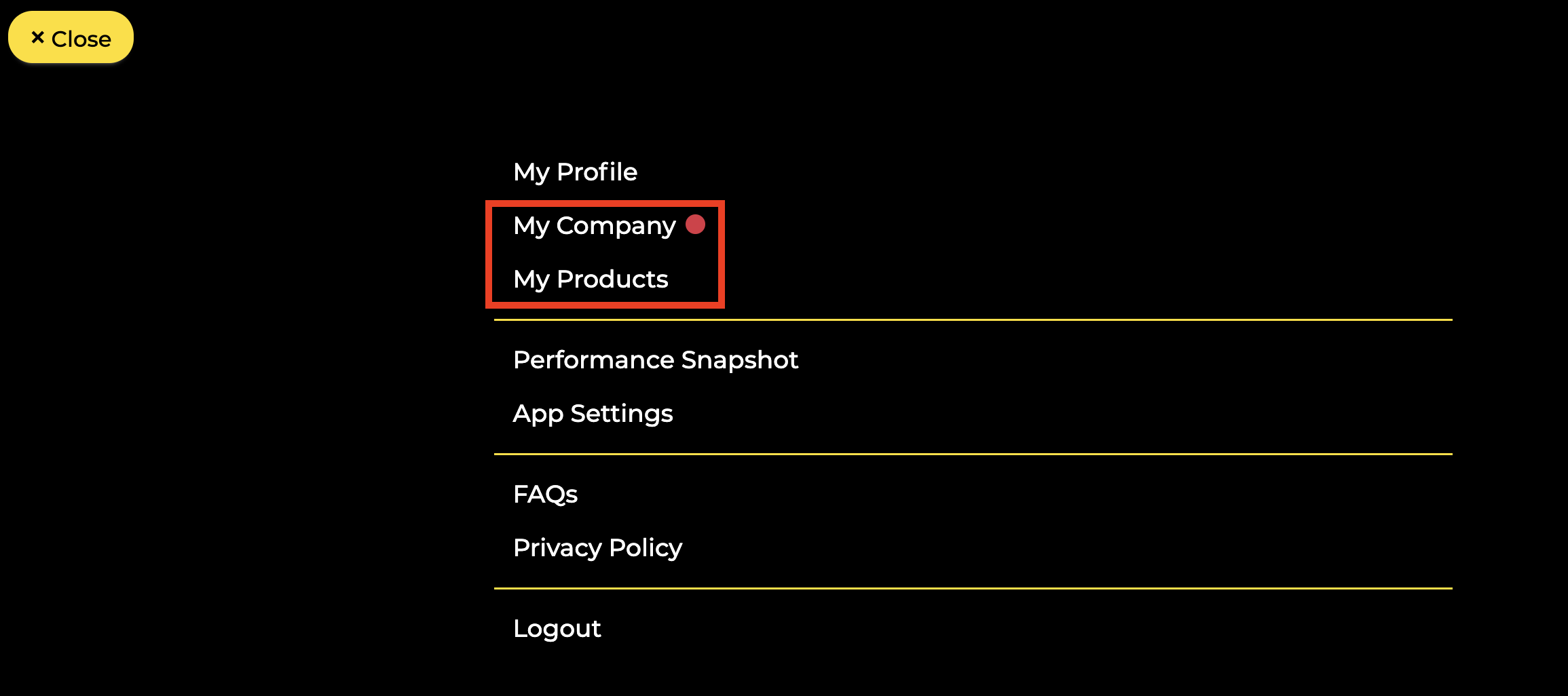
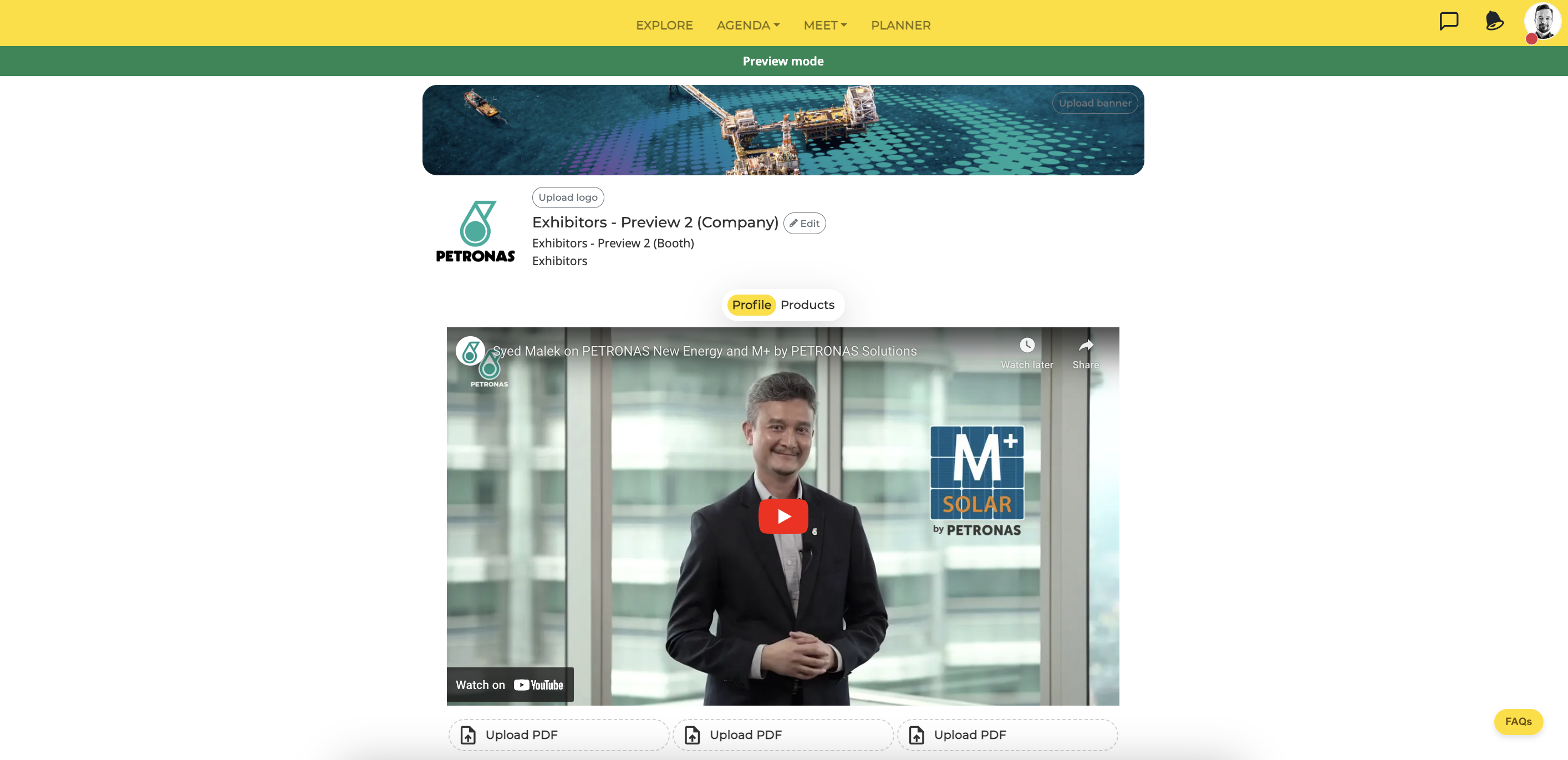
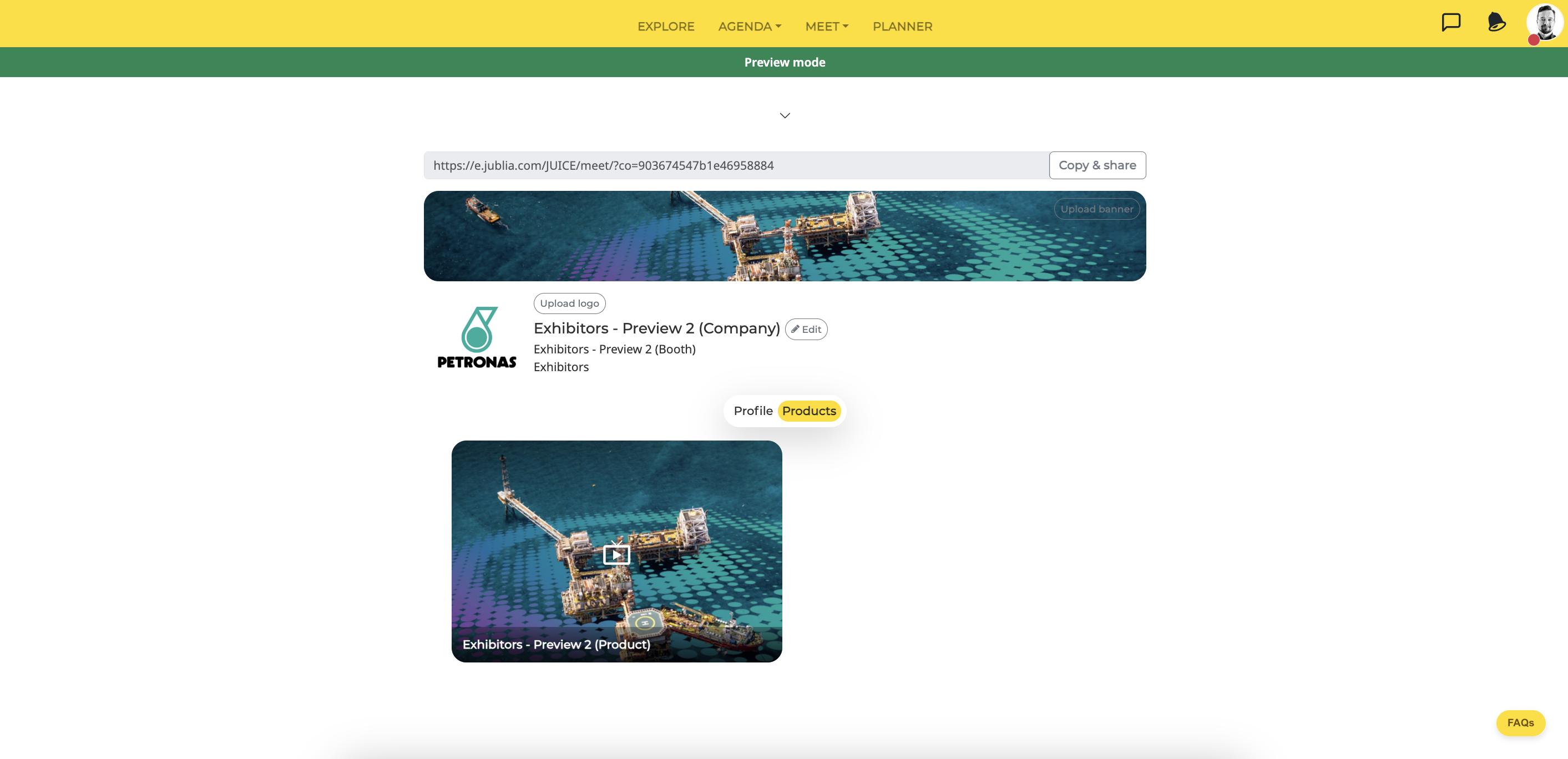
Additional Functionalities
1. Notifications
Upon logging in, a "Preview Mode" notification will appear, confirming you are in a simulated environment.
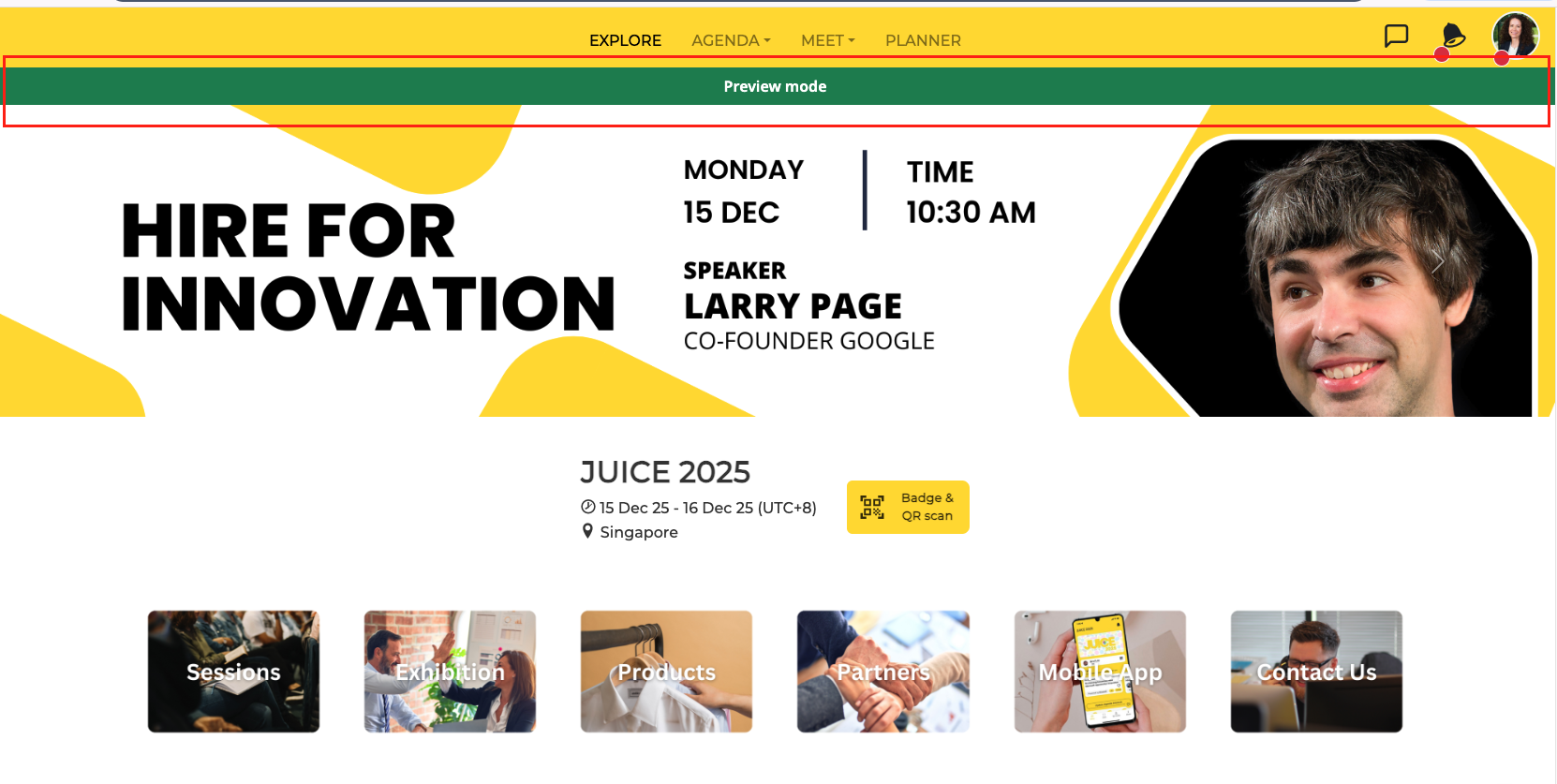
2. Exclusion from Analytics
All actions performed in Preview Mode are excluded from analytics, ensuring no test data affects your reports.
3. Limited Interactions
Preview accounts can only interact with other preview accounts. This includes:
Sending/receiving meeting requests.
Sending company messages.
Making inquiries about companies/products.
Sharing virtual name cards.
4. Restricted Attributes
Preview accounts only have default attribute for the position.
Display Enhancements
Location details are displayed in the "My Schedule" section under “Planner” page for easy navigation.
Why Use Preview Mode?
Preview Mode empowers you to:
Test event setups in a controlled environment.
Optimize configurations for a seamless live event experience.
Ensure your app is tailored to participants' needs before launching.